Deploying Salesforce Static Resources Without the Binary Headache

Most Salesforce metadata is text — XML you can read, diff, and merge. Static resources aren't. They're files: a logo, a JavaScript library, a CSS bundle, a zipped folder of assets. And the moment a deployment has to carry a binary, the usual text-and-files workflows start to creak.
Why static resources are awkward to deploy
A static resource is two things stitched together: a small meta.xml (the content type, cache setting, description) and the actual file body — anywhere from a few kilobytes to several megabytes.
That split is where the friction comes from:
- It's binary. Tools and pipelines that treat metadata as text can mangle a binary body — one bad byte and the resource is corrupt.
- Zips get unpacked. In source format, a zipped static resource is stored unzipped as a folder plus a meta.xml. To deploy it, that folder has to be re-zipped — with the right structure and content type — or the resource lands broken.
- Size. A multi-megabyte asset is heavy to move and easy to truncate if something in the pipeline isn't built for large binaries.
- The meta.xml has to match. A wrong
contentType(say,application/zipwhere the body is JavaScript) serves the resource wrong even when the bytes are perfect.
None of this is hard in theory. It's just fiddly enough that "deploy the static resource too" quietly becomes a manual, error-prone step.
How mtdt.io deploys them
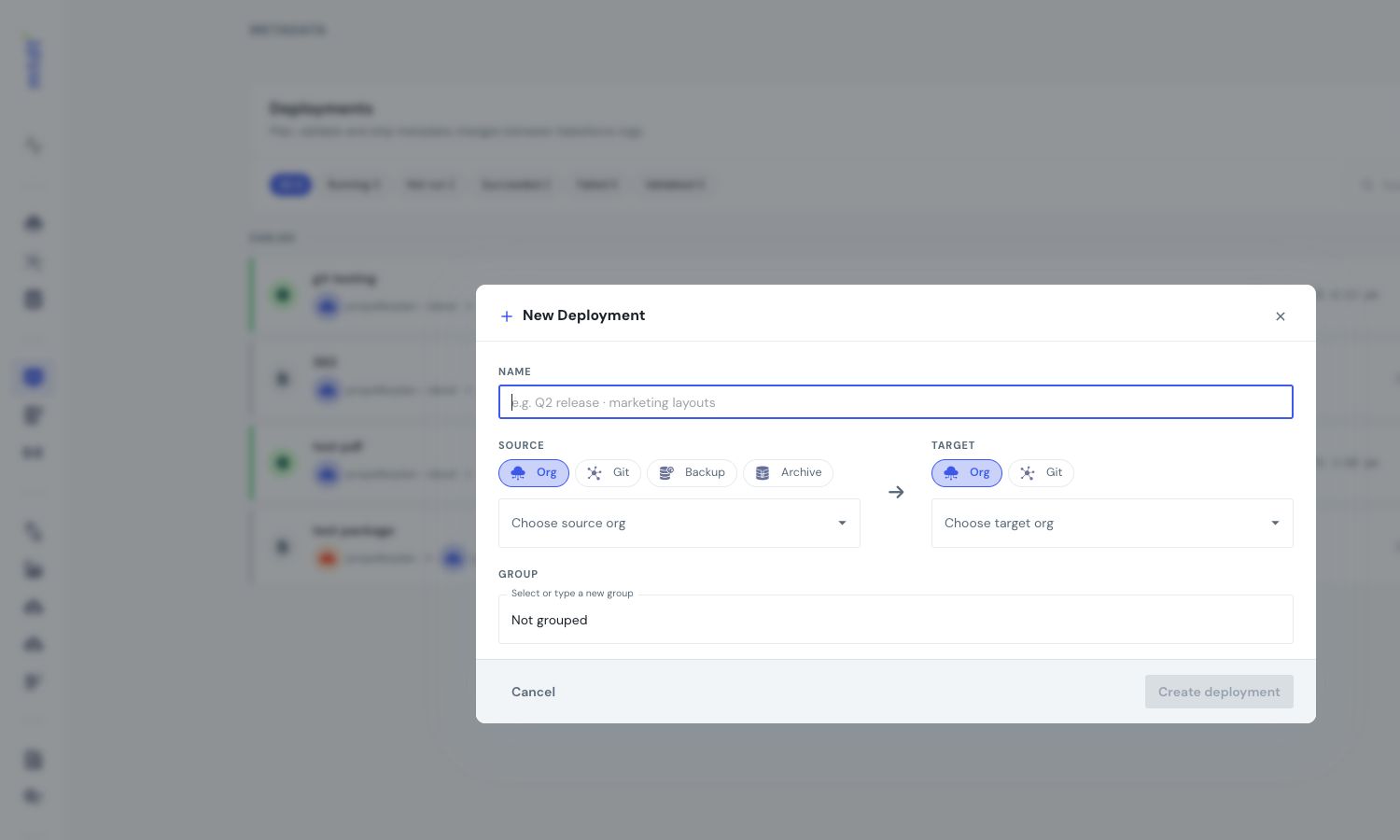
In mtdt.io a static resource is just another component in your deployment — you select it alongside your classes, fields, and pages, and deploy. There's one difference worth understanding, though.
When you deploy a class, a field, or a page, you deploy exactly what you see in mtdt: mtdt is holding that version, and that's what lands on the target.
A static resource is handled differently. mtdt keeps its lightweight meta.xml — the content type and cache settings — with the rest of your metadata, but the file body itself is pulled at the moment you deploy, straight from the source. The binary isn't shipped from a stored snapshot; it's fetched fresh as the deployment is assembled.
That turns out to be the right move for a file:
- The version that lands is the one that's actually in the source when you ship — not a stale copy captured earlier.
- It's streamed byte-for-byte into the package, so nothing is re-encoded as text along the way — a logo stays a logo and a zip stays a valid zip.
- Because the body is handled as opaque binary, it makes no difference whether the resource is a single file or a zipped bundle of dozens.
So there's no unzip-and-re-zip, no hand-edited base64, and no babysitting a separate "and now the files" step — just keep in mind that, for static resources specifically, "deploy" fetches the current file from the source as it runs.
Good practices
- Deploy the resource and what uses it together. A Visualforce page, LWC, or Aura component that references a static resource should travel with it, so the reference resolves on arrival.
- Mind the content type. If a resource is served wrong after a deploy, check its
contentTypebefore suspecting the bytes. - Validate first. Run a check-only deploy for large resources, so a problem shows up before it reaches the live org.
- Remember the file is fetched at deploy. Because the body comes from the source as the deployment runs, ship from a source that's settled — what lands is the source's file at that moment, not necessarily the one you looked at earlier.
Static resources don't have to be the awkward part of a release. Include them like anything else, and let the binary handling happen for you.
FAQ
Why are Salesforce static resources harder to deploy than other metadata? A static resource pairs a small meta.xml with an actual file body — anywhere from a few kilobytes to several megabytes — and that body is binary, not text. Tools built for text-and-files workflows can mangle a binary body, and a zipped static resource is stored unzipped in source format, so it has to be correctly re-zipped to deploy without breaking.
How does mtdt.io deploy static resources differently from a class or field? For a class, field, or page, mtdt.io deploys exactly the version you see stored in mtdt. For a static resource, mtdt.io keeps the lightweight meta.xml with the rest of your metadata but fetches the file body itself fresh from the source at the moment you deploy, streaming it byte-for-byte rather than shipping a stored snapshot.
Does mtdt.io handle zipped static resource bundles? Yes. Because the body is handled as opaque binary rather than re-encoded as text, it makes no difference to mtdt.io whether the resource is a single file or a zipped bundle of dozens — there's no manual unzip-and-re-zip step.
What should I check if a static resource is served incorrectly after a deploy?
Check the resource's contentType in its meta.xml before suspecting the file bytes — a mismatched content type (for example application/zip where the body is JavaScript) will serve the resource wrong even when the binary itself deployed correctly.
Since the file body is fetched at deploy time, does that change what I should watch for? Yes — because the body comes from the source org as the deployment runs, what lands in the target is the source's file at that exact moment, not necessarily the version you looked at earlier. Ship from a source that's settled, and validate first for large resources so problems surface before they reach the live org.
Ship your files with the rest of your change
Log in to mtdt.io and add your static resources to a deployment — binaries, zips, and all.
Related: Why a Lightning Component Bundle Fails to Deploy · Safe Field-Level Deployments · Why Salesforce Deployments Fail
Was this page helpful?
Let us know how we did