Deploy 'Rename Tabs and Labels' Between Salesforce Orgs — It's CustomObjectTranslation

The Rename Tabs and Labels settings (Setup → Rename Tabs and Labels) — the renamed tab, object, and field labels your users see — are stored in the CustomObjectTranslation metadata type, one component per object per language (for example Account-en_US). Because it's metadata, it deploys through the Metadata API, so you can move those renames org-to-org instead of re-typing them by hand in every sandbox and production org. mtdt.io treats CustomObjectTranslation as a first-class type: compare two orgs, see the renamed labels in the diff, and deploy them across.
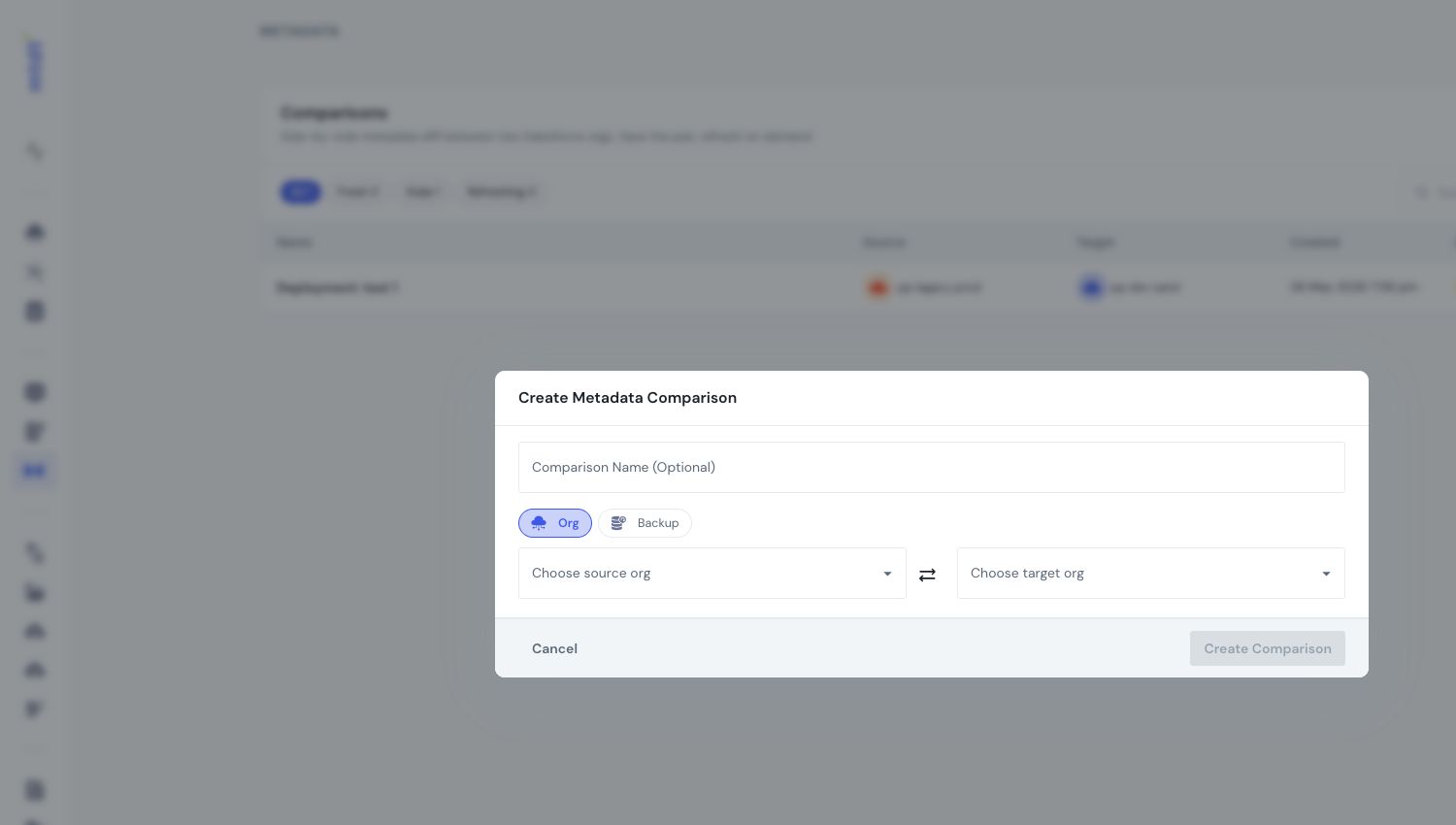
Where "Rename Tabs and Labels" actually lives
Every rename you make in Setup lands in a single CustomObjectTranslation component named <Object>-<language> (e.g. Account-en_US, MyObject__c-en_US). Inside that one component:
- The object / tab rename lives in the component's object-level fields (
caseValues,nameFieldLabel,value). - Field-label renames live in nested
<fields>blocks —<fields><name>Flag__c</name><label>…</label></fields>. - Picklist-value renames live in nested
<picklistValues>.
A common trip-up: field-label renames are child elements of CustomObjectTranslation, not a standalone CustomFieldTranslation type. Deploy manifests that list CustomFieldTranslation as its own type hit Salesforce's Unknown type name 'CustomFieldTranslation' error. There's one component per object per language, and everything for that object rides inside it.
Deploy it org-to-org with mtdt.io
Instead of hand-authoring an ANT package.xml (the old way to move these), select the object and its translation in mtdt.io, compare source against target, and deploy. The renamed labels show up in the diff as real values, and field-label and picklist renames ride along in the same component — so you pick the object, review what changed, and push it across in one deploy. No XML to assemble.
Salesforce limits worth knowing
These are platform behaviors, not tool limits — plan around them:
- Additional languages need Translation Workbench. Renaming in your org's default language works with no setup — it still materializes as
<Object>-<defaultLang>and deploys anywhere. Translating into other languages requires Translation Workbench enabled and that language activated, and the target org must have the same language active or the component won't deploy. - You revert a rename by deploying the corrected value, not an empty one.
CustomObjectTranslationdeploys additively — pushing an empty<label></label>is a no-op against an existing translation. To undo a rename, deploy the label you actually want (for example back to the standard label). - The translation component itself can't be deleted via the API. Salesforce rejects a destructive delete of a
CustomObjectTranslation(… is standard and cannot be deleted). You can add and update translations through any Metadata API tool, but not remove the component.
FAQ
Where are Salesforce's "Rename Tabs and Labels" settings stored?
In the CustomObjectTranslation metadata type — one component per object per language, named like Account-en_US. The object/tab rename, field-label renames, and picklist renames all live inside that single component.
Can you deploy renamed tabs and labels between orgs?
Yes. CustomObjectTranslation is a Metadata API type, so it deploys org-to-org like any other metadata. mtdt.io compares and deploys it as a first-class type, so you see the renamed labels in the diff and push them across without editing XML.
Why do I get "Unknown type name 'CustomFieldTranslation'"?
Because field-label translations aren't a standalone metadata type — they're nested <fields> inside CustomObjectTranslation. List the object's CustomObjectTranslation, not CustomFieldTranslation, and the field renames come with it.
Do I need Translation Workbench to deploy a rename? Not for your org's default language — that deploys anywhere. Renaming into additional languages needs Translation Workbench enabled with that language, and the target org must have the same language active.
How do I undo a rename in a deploy?
Deploy the corrected label value. Deploying an empty value doesn't blank an existing rename — the deploy is additive — and the CustomObjectTranslation component can't be deleted through the API.
Move your renamed labels the way you move everything else
Let mtdt.io compare your CustomObjectTranslation across orgs and deploy the renamed tab, object, and field labels in one run — so a rename you make once travels to every org instead of being re-typed.
Log in to mtdt.io and deploy your renamed labels.
Related: Compare Metadata Without Reading XML · How to Deploy Between Salesforce Environments · Deploy Picklist Value Changes
Was this page helpful?
Let us know how we did