Fix the FlexiPage 'Component Instance Doesn't Have an Identifier' Deploy Error

You deploy a Lightning record page that's worked for months, and the target org rejects it:
The 'component_xxx' component instance doesn't have an identifier specified.
Same FlexiPage, same components. It saves fine in the source org's Lightning App Builder — but the moment you push the retrieved XML to another org, the deploy fails. The cause is the API version the page was retrieved at: component identifiers became required from API v53.0 (Winter '22) on, so a FlexiPage pulled at an older version simply comes down without them, and a newer org rejects it on arrival.
Why the identifier goes missing
A FlexiPage — the metadata behind every Lightning record, app, and home page — lays its components out in regions. Each <componentInstance> can carry an identifier: a unique handle for that placed component.
Here's the catch. That attribute was optional before Winter '22 (API v53.0) and required from v53.0 on. Salesforce assigns identifiers automatically when you build the page in the Lightning App Builder, so you rarely see them. But if the FlexiPage was retrieved at an older API version — say your package.xml or sfdx project still says 48.0 — the XML comes down without identifiers. Deploy that artifact into a Winter '22-or-newer org and it's rejected: the org now demands an identifier the file never captured.
What trips the deploy is the API version you retrieved with — and nothing inside a FlexiPage records it. Unlike an Apex class, whose .cls-meta.xml pins an <apiVersion> that travels with the file, a FlexiPage stores no version of its own. So the <identifier> elements are simply present or absent, depending on the version you pulled with.
The fix
Two ways out:
- Retrieve at a current API version. Bump your project /
package.xml<version>to 53.0 or higher — ideally the latest — and re-retrieve the FlexiPage. The identifiers the App Builder already assigned come down with it, and the deploy resolves. This is the clean fix: let the platform supply the identifiers. - Add them by hand. For each flagged
<componentInstance>, add a uniqueidentifier(unique within the page). Workable for one or two; tedious and error-prone across a real page.
The trap is that the old-version retrieve is easy to do without noticing — one stale number in a config file and every FlexiPage you pull is missing identifiers.
How mtdt.io keeps you out of it
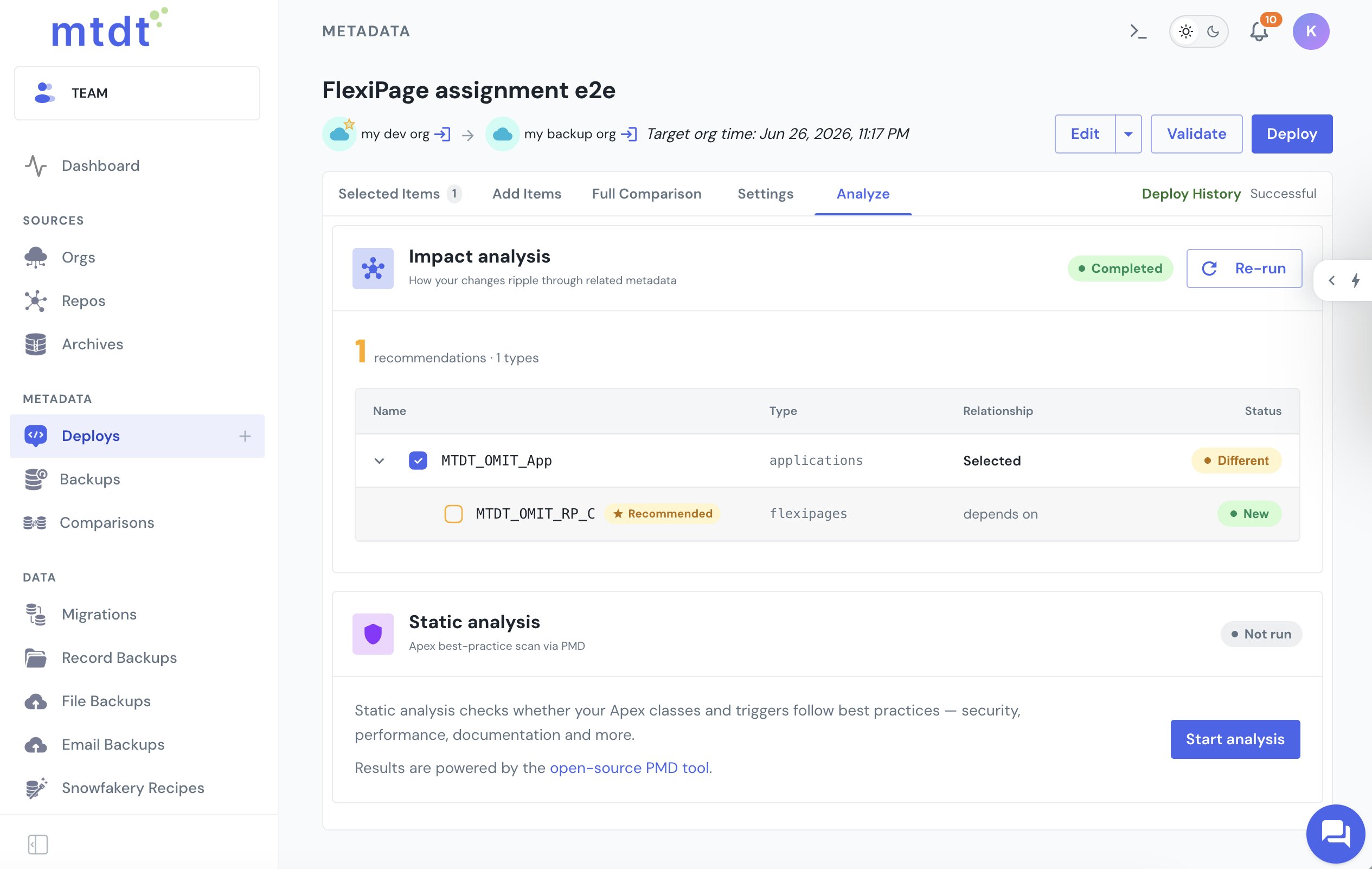
mtdt.io retrieves and deploys through a current Metadata API version — the highest each org supports. Because the retrieve version is what populates the identifiers, retrieving current is the whole game: the FlexiPages mtdt captures already include the identifiers Winter '22+ expects.
And you deploy exactly what you see: the FlexiPage XML in the diff is the artifact that ships, with no hidden local project state retrieving the wrong version behind your back. If a component does need a fix, you edit the XML you're looking at and redeploy.
See Pre-deployment checks for the safeguards mtdt runs before a deploy, and What's Holding Back Your Salesforce Rollout for the bigger picture on deploy-time surprises.
FAQ
What causes "component instance doesn't have an identifier specified" on a FlexiPage deploy?
The identifier attribute on a FlexiPage's <componentInstance> elements became required starting with API v53.0 (Winter '22). If the FlexiPage was retrieved at an older API version — for example a package.xml still pinned to 48.0 — the XML comes down without identifiers, and deploying that file into a Winter '22-or-newer org gets rejected.
Why doesn't the FlexiPage file itself show what API version it was retrieved at?
Unlike an Apex class, whose .cls-meta.xml pins an <apiVersion> that travels with the file, a FlexiPage stores no version of its own. The <identifier> elements are simply present or absent depending on the version used at retrieve time, with nothing in the file to flag which case you're in.
How do I fix a FlexiPage that's missing identifiers?
Bump your project or package.xml <version> to 53.0 or higher and re-retrieve the FlexiPage — the identifiers the Lightning App Builder already assigned come down with it. Alternatively, add a unique identifier by hand to each flagged <componentInstance>, though that's tedious across a page with many components.
How does mtdt.io avoid this error? mtdt.io retrieves and deploys through a current Metadata API version — the highest each org supports — so the FlexiPages it captures already include the identifiers Winter '22+ requires. You also deploy exactly the FlexiPage XML shown in the diff, with no hidden local project state retrieving an older version behind your back.
Stop fighting FlexiPage deploys
Retrieve at a current API version, and let the identifier error stay in the past.
Log in to mtdt.io and deploy your Lightning pages.
Was this page helpful?
Let us know how we did