Metadata Backup: How It Works
A metadata backup is a point-in-time snapshot of an org's configuration — Apex, flows, objects, fields, layouts, permission sets, and the rest of your metadata. mtdt.io keeps these snapshots so you can see what changed over time, restore a known-good state, and feed rollbacks.
What gets backed up
A backup retrieves the org's metadata through the Salesforce Metadata API and stores it securely. You can scope a backup to specific metadata types or capture the org broadly, depending on what you need to protect.
Scheduling backups
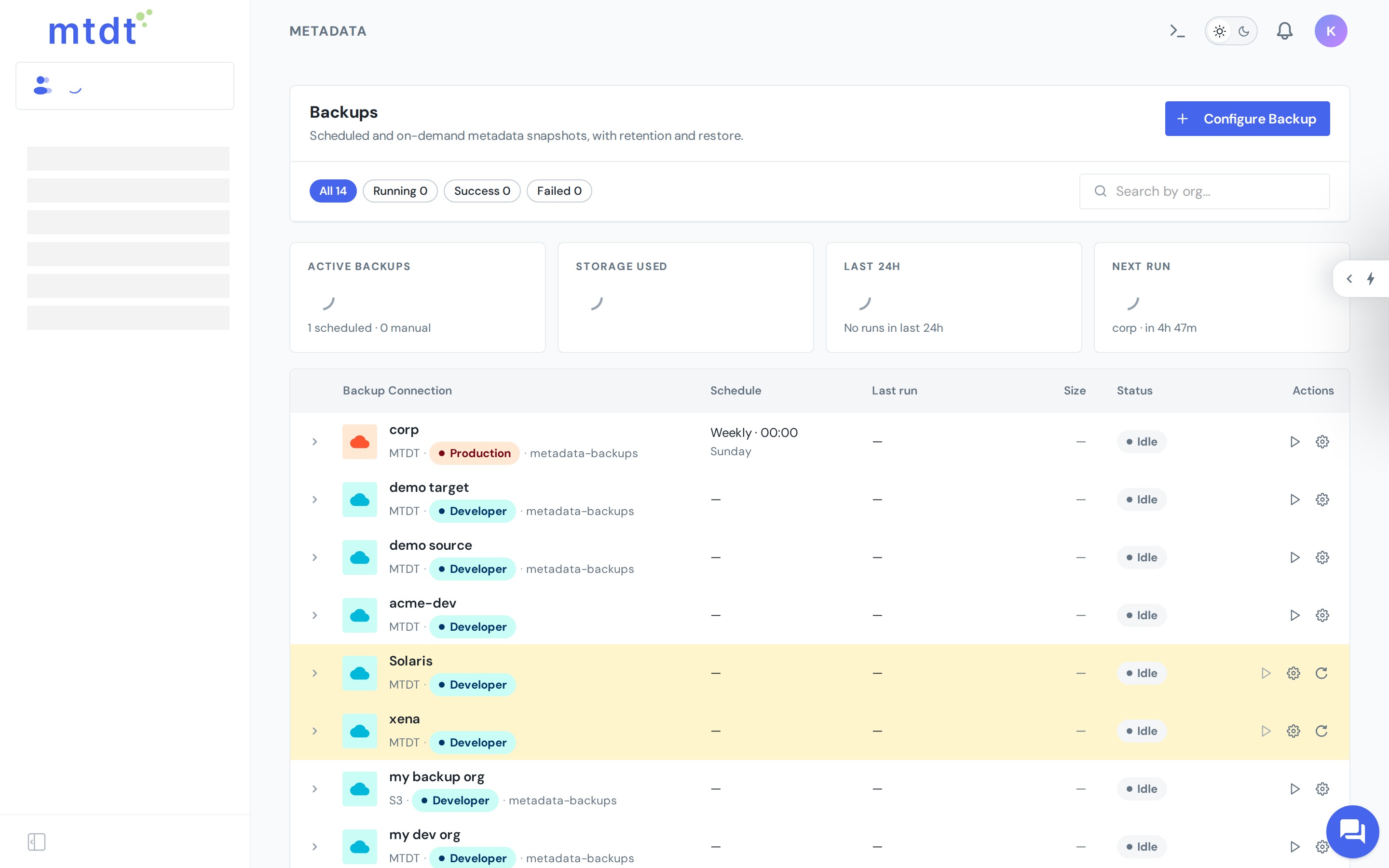
- Open Backups and create a backup job for a connected org.
- Choose a schedule — on demand, or recurring. Plan tiers determine cadence: the Free plan includes one weekly job; Pro and Team unlock more frequent scheduled backups.
- mtdt.io runs the job automatically and lists every run, with its status and contents, in the backup history.
You can also run a backup on demand at any time — for example, right before a risky change.
Using backups
- Browse and download a snapshot to inspect exactly what the org contained at that moment.
- Restore / redeploy metadata from a snapshot back into an org.
- Rollback points. When you enable the backup option on a deployment, mtdt.io captures a pre-deploy snapshot that powers one-click rollback.
- Back up to Git. Push an org's metadata into a connected repository so changes are versioned and reviewable alongside your code.
Best practices
- Schedule a regular backup of production so you always have a recent restore point.
- Take an on-demand backup before major changes that aren't going through a deployment (for example, a managed-package upgrade).
- Combine with version control — backing up to Git gives you a reviewable, diffable history in the same place as your code.