Data Migration Between Environments
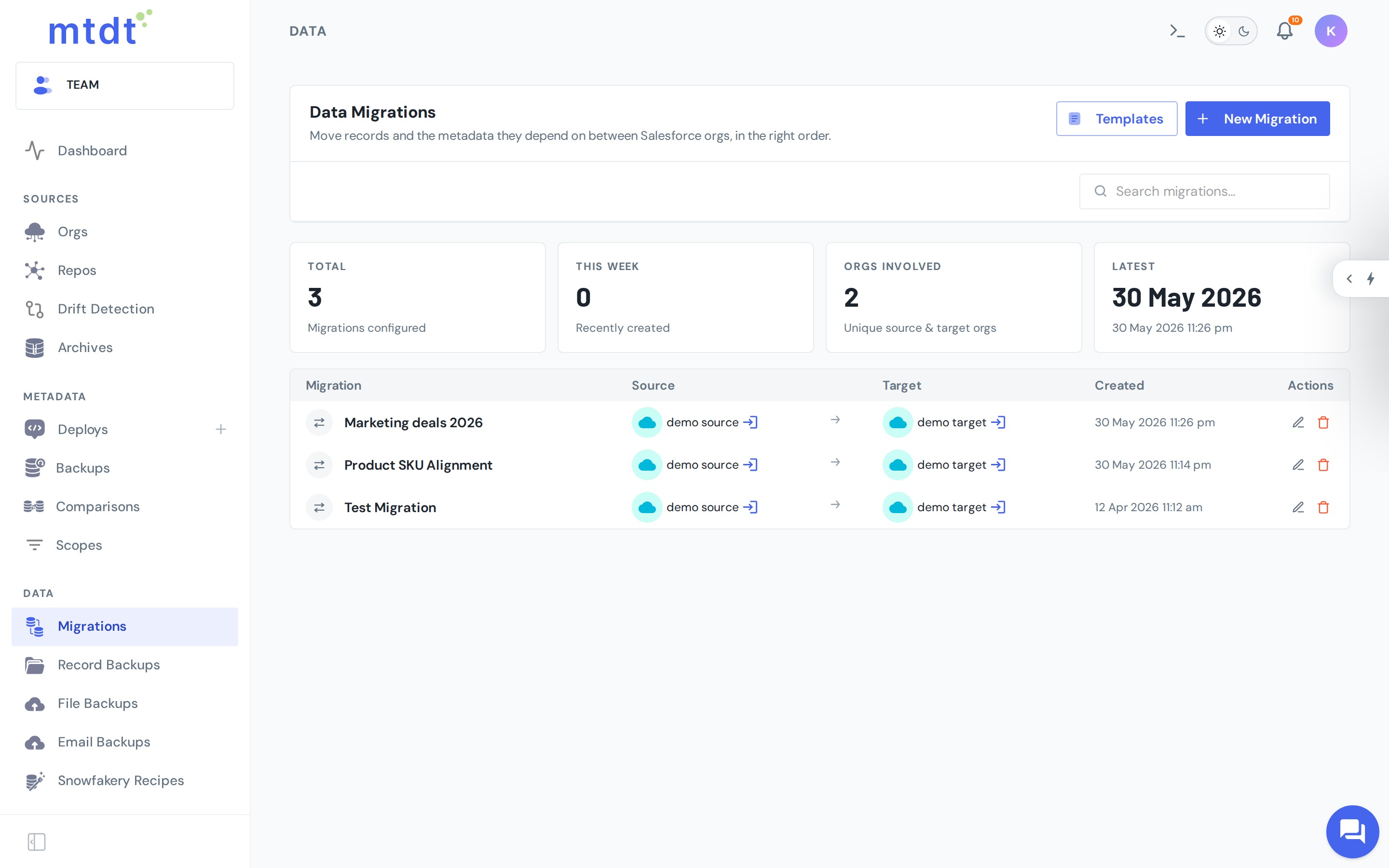
Moving records between orgs is harder than moving metadata. Salesforce record IDs differ in every org, so a naive export/import breaks every lookup and relationship. mtdt.io migrates data while keeping those relationships intact.
Why data migration is hard
- IDs aren't portable. The same record has a different ID in each org, so lookups and master-detail relationships can't be copied verbatim.
- Order matters. Parents must exist before children, or the insert fails.
- Re-running should be safe. A second run shouldn't create duplicates of records that already moved.
mtdt.io addresses all three: it understands the object schema and relationships, loads records in dependency order, remaps lookups from source IDs to the matching target records, and matches existing records by their natural keys so re-runs update rather than duplicate.
How a migration runs
- Select source and target orgs.
- Retrieve the records and their schema from the source.
- Validate — mtdt.io checks what will be inserted vs. matched against existing target records.
- Deploy — records are written to the target in the correct order, with relationships remapped.
Every migration is scoped and tracked, so you can see exactly what moved and what matched.
Supported scenarios
The flagship, packaged scenario is Salesforce CPQ, where the configuration lives in records (product rules, price rules, and the rest of the SBQQ model) rather than metadata. See Migrating Salesforce CPQ Data for the step-by-step.
CPQ is the curated, built-in template — but the same engine moves any objects you choose. From the Templates button on the Migrations page you can define your own: pick the objects to migrate, set the natural-key matching rules that pair records across orgs (so re-runs update instead of duplicating), and optionally narrow to a subset with scope filters. A template can also deploy the custom fields the target is missing, so the records have somewhere to land. Every migration starts by choosing a template — once yours is defined, it runs exactly like CPQ.
Best practices
- Always validate first and review the insert-vs-match counts before deploying.
- Migrate into a sandbox to rehearse before touching production.
- Mind volume. Large object sets take time and are subject to Salesforce API limits — migrate in sensible batches.