Setting Up Version Control Connection
Version control is your source of truth — the baseline mtdt.io deploys from, compares against, and keeps current. Connecting a repository unlocks Git-based deployments, metadata-to-Git backups, and comparisons.
Connect a repository
- Open Repos from the left navigation and choose Connect repository.
- Authorize mtdt.io against your provider (GitHub or GitLab).
- Select the repository you want to use, and set its defaults:
- Default branch — the baseline that represents "correct" (commonly
main). - Base path — the package directory root inside the repo, e.g.
force-app/main/default.
- Default branch — the baseline that represents "correct" (commonly
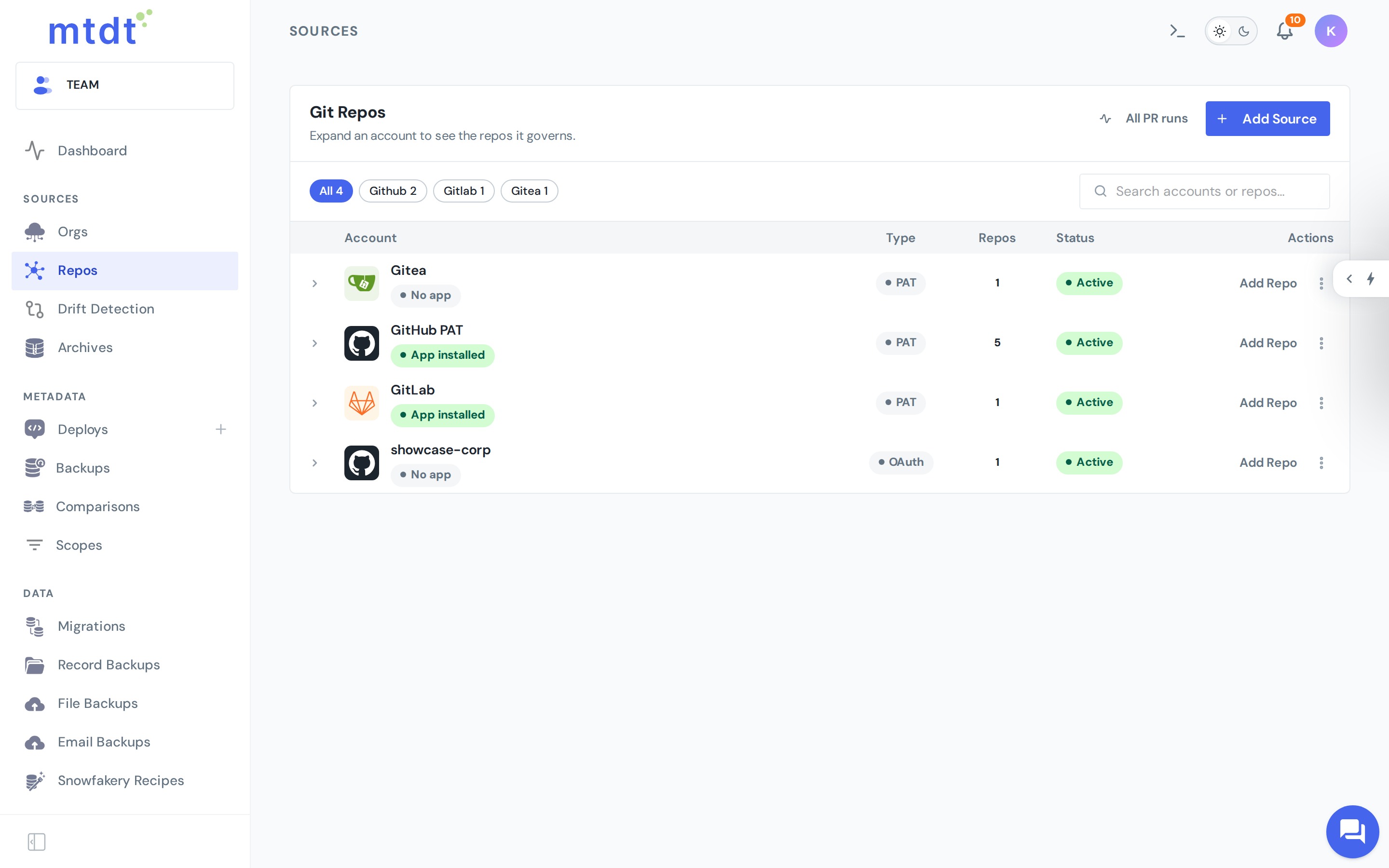
Once connected, the repository is available everywhere mtdt works with Git: deploying from a branch, pushing a deployment to a branch, and comparisons.
The Free plan includes one version-control connection; Pro and Team allow unlimited connections.
How mtdt.io uses the connection
- Deploy from Git — retrieve metadata from a branch and deploy it to an org.
- Back up / push to Git — write an org's metadata into a repository so changes are versioned and reviewable.
- Compare — diff a branch against an org, or one source against another.
Repository layout
mtdt.io works with standard source format (force-app/main/default/...). If your repo uses a custom package directory or a monorepo layout, set the base path to the folder that contains your force-app (or equivalent) so mtdt reads the right tree.
Best practices
- Pick one baseline branch per environment and be consistent — comparisons are only meaningful relative to a stable baseline.
- Point the base path at your real package directory. A wrong base path makes everything look "missing," which mtdt.io will flag as a suspected misconfiguration rather than thousands of false diffs.
- Use a service account or bot identity for the connection on shared repositories, so automated commits and PRs are clearly attributed.
With an org and a repository connected, you're ready to deploy metadata.