Git as Your Source of Truth
A connected Git repository turns mtdt.io from a deployment tool into a full version-control workflow. Git becomes the baseline your team deploys from, compares against, and pushes changes into — so "what's correct" lives in one place with full history, not scattered across orgs and memories.
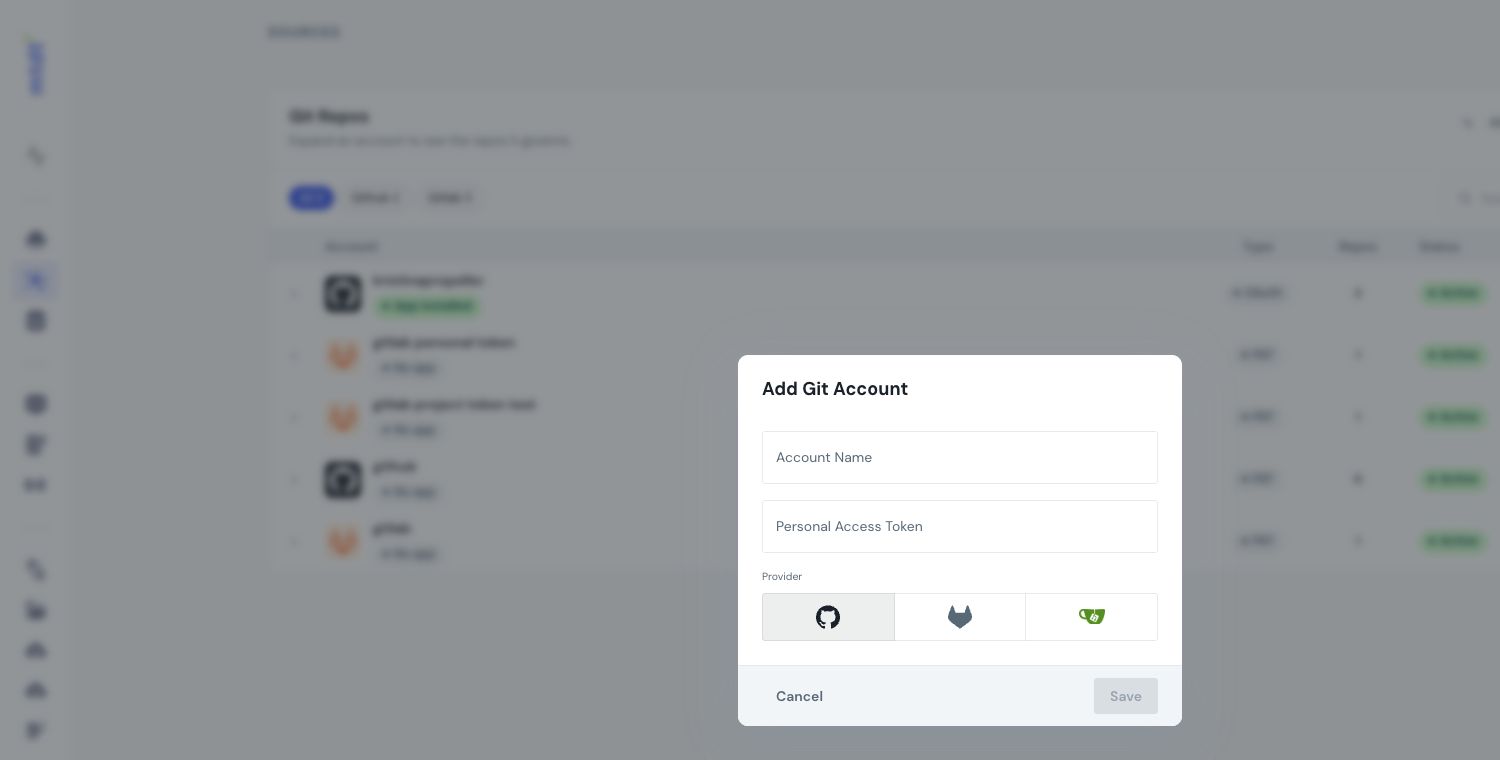
This section covers everything you do with a repository once it's connected. (To connect one, see Setting Up Version Control Connection.)
What a repository unlocks
Once a repo is connected, it's available everywhere mtdt.io works with Git:
- Deploy from a branch — promote a branch's metadata into an org.
- Back up metadata to a repository — keep a versioned, source-formatted mirror of an org.
- Deploy and push to a repository — keep the repo current as you deploy, automatically.
- Push changes as a pull request — route changes through code review before they merge.
- Comparisons — use the repo as the "correct" baseline to compare orgs against.
When you'd use this
- You're adopting version control for Salesforce and want org changes reflected in Git without manual retrieves.
- You need an audit trail — who changed what, when, reviewable as diffs instead of setup screens.
Why it matters
If Git is your source of truth, it's only true when it's current. The whole point of the workflows in this section is to close the gap between "what's in the org" and "what's in the repo" — at the moment you make a change, not as a chore you remember later.
Best practices
- Pick a clear default branch (commonly
main) as the baseline that represents "correct." - Set the base path to your package root (e.g.
force-app/main/default) so mtdt.io reads and writes the right directory. - Keep the repo current — use deploy-and-push or scheduled backups so it never falls behind the org.
- Protect important branches and route changes through pull requests where review matters.