Create mtdt.io Account
Getting started with mtdt.io takes only a few minutes — no credit card and no DevOps engineer required.
Sign up
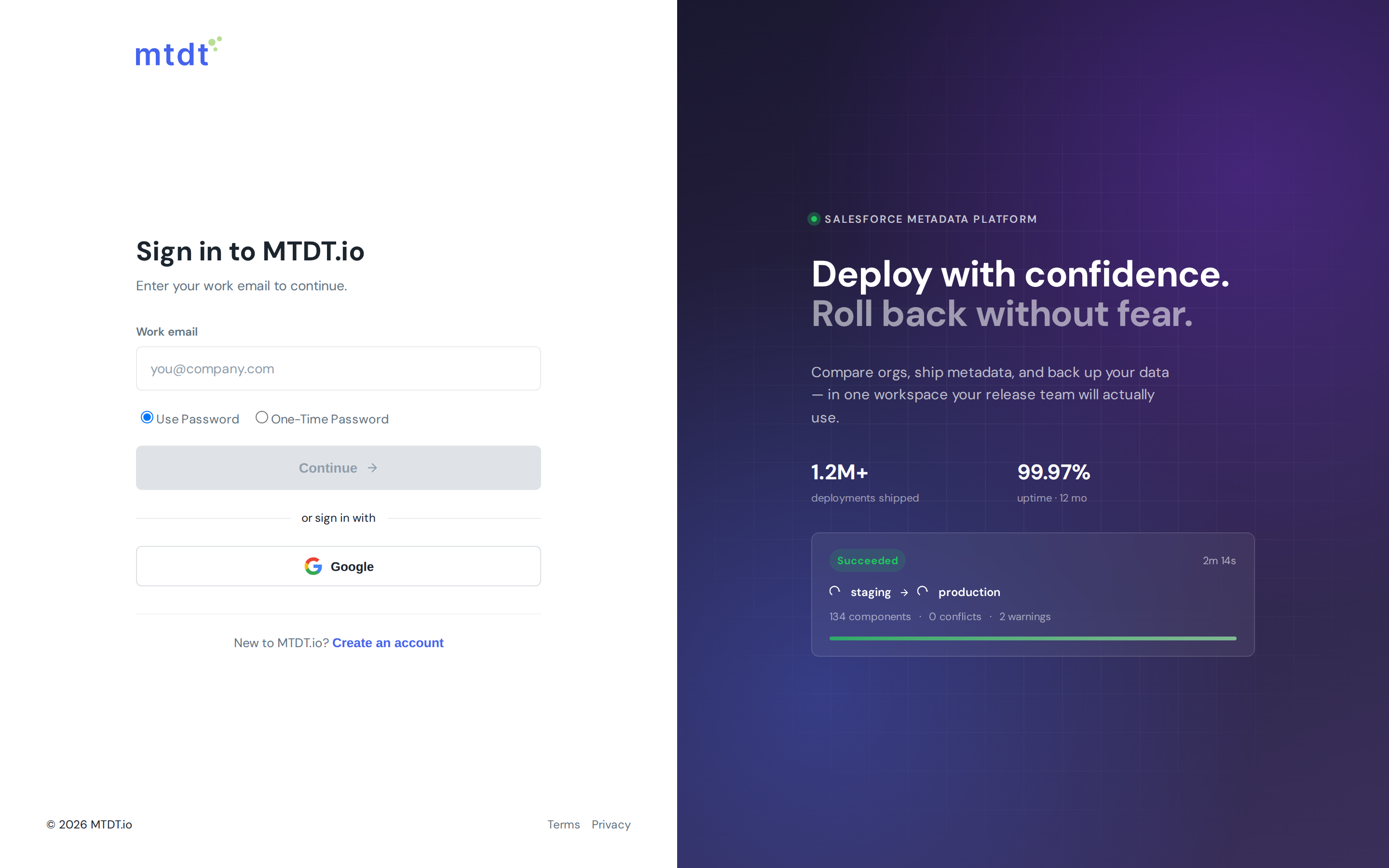
- Go to mtdt.io and choose Create an account.
- Enter your work email and either set a password or continue with Google single sign-on.
- Confirm your email if prompted, and you'll land directly in your new workspace.
You start on the Free plan, which already covers real deployment work — connecting orgs, deploying metadata, comparing environments, and scheduled backups. You can upgrade at any time as your needs grow (see Available Plans and Pricing).
Your workspace
Every account belongs to a team workspace. The workspace is where your connected orgs, repositories, deployments, and backups live, and it's what you share with colleagues.
- If you're the first person from your company, mtdt.io creates a workspace for you automatically.
- To bring in teammates, invite them from Team settings — each member signs in with their own account and gets a role you control. See Managing Team Access and Roles.
Next steps
Once your account is ready, the typical first-run path is:
- Connect a Salesforce environment — the org you want to deploy to or back up.
- Connect version control — your GitHub or GitLab repository, your source of truth.
- Run your first deployment or set up a backup.
That's the whole setup — from sign-up to your first deployment in well under an hour.