Managing Team Access and Roles
mtdt.io is built for teams. Everything you connect — orgs, repositories, deployments, backups — lives in a shared team workspace, and roles control who can do what inside it.
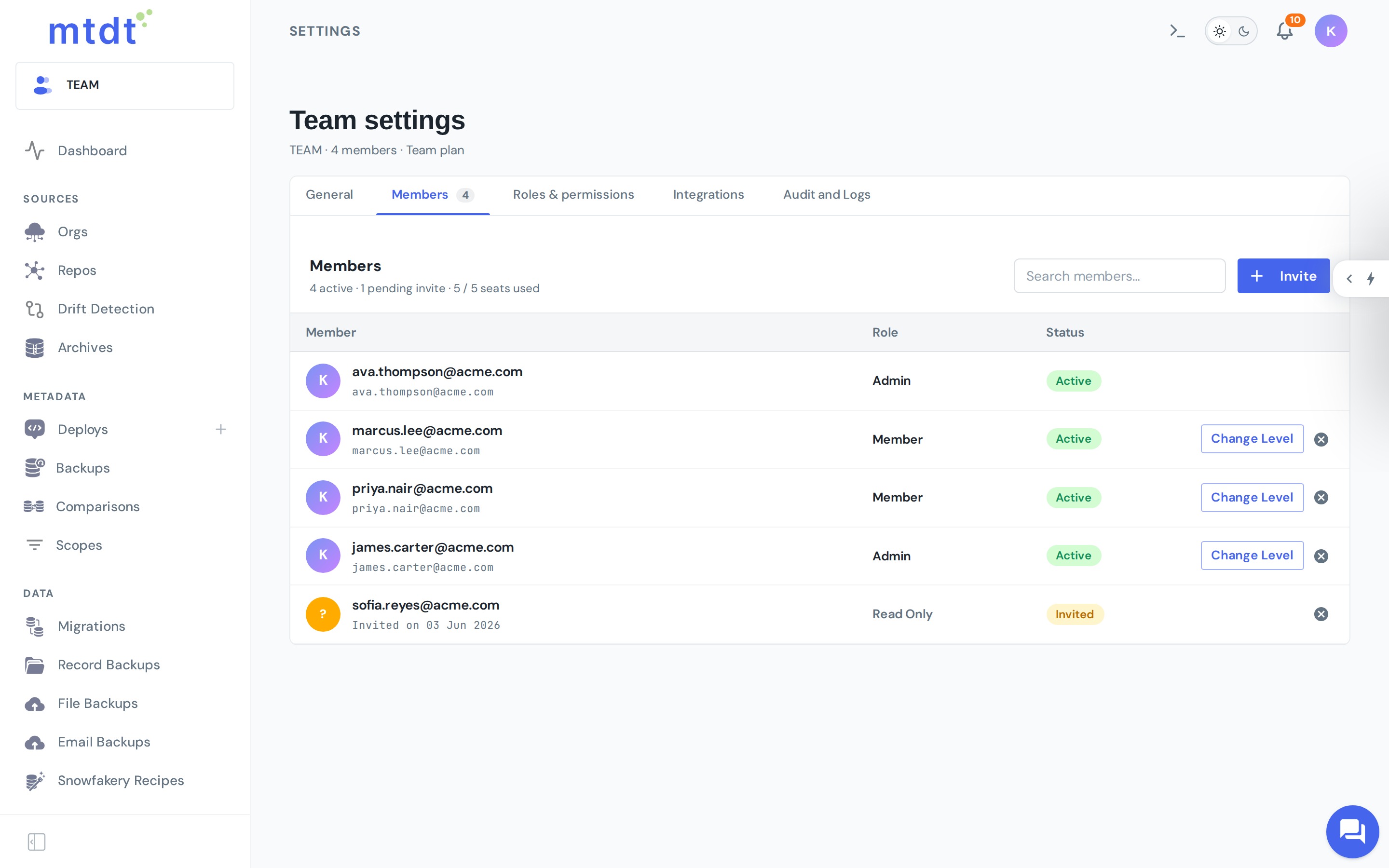
Inviting teammates
- Open Team settings.
- Invite a member by email.
- Assign them a role.
Each person signs in with their own account, so actions are attributable and access is individual — no shared logins.
Roles and permissions
Roles grant permissions per area of the product (deployments, backups, comparisons, team settings, and so on) and per action within that area (for example, view, add, edit, deploy, approve). That means you can give someone the ability to prepare a deployment without the ability to run it to production, or let an admin manage backups without granting deployment rights.
Use roles to model how your team actually works:
- Admins manage the workspace, members, and connections.
- Release managers prepare, approve, and run deployments.
- Developers / admins prepare changes and run them where permitted.
- Viewers can see history and reports without making changes.
Approvals
For high-impact targets like production, combine roles with approvals: require a deployment to be approved by someone with the right permission before it can run. This keeps a clear separation between who requests a change and who authorizes it.
Best practices
- Grant the least privilege needed. Start narrow and widen as required.
- Require approvals on production so no change lands unreviewed.
- Keep deployment rights with a small group and let everyone else prepare and request.
- Review membership periodically and remove access that's no longer needed.