Performing Static Analysis on Metadata
Static analysis reviews your Apex, Lightning Web Components, and Flows for quality, security, and best-practice issues — automatically, and consistently — so problems are caught in review instead of in production.
What it does
mtdt.io runs an industry-standard analyzer (PMD) across a connected org and reports every rule violation it finds, classified by severity. Findings cover the usual suspects: performance anti-patterns, error-prone constructs, security-sensitive code, and deviations from Salesforce best practices.
Running an analysis
- Open Static Analysis and select a connected org.
- Run it on demand, or set a schedule.
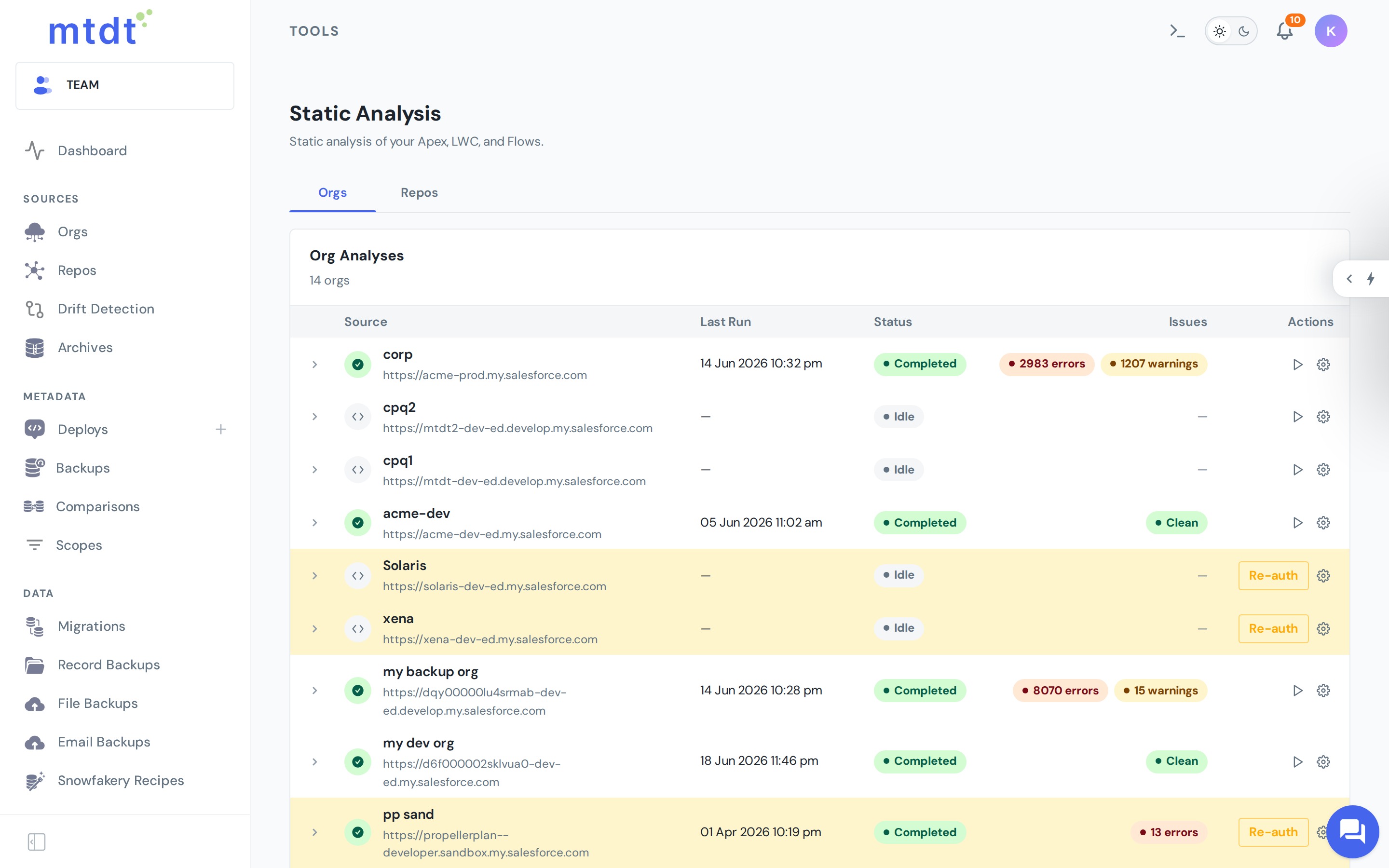
- mtdt.io prepares the org's Apex and runs the analysis, then presents the results.
Reading the results
Findings are grouped and ranked by severity, each pointing at the specific rule and location, so a reviewer can go straight to the code that needs attention. The history shows whether your codebase is trending cleaner over time.
Plans and cadence
- Free — one weekly scheduled job for one org.
- Pro / Team — unlimited.
Best practices
- Run analysis before promoting Apex to production, and treat high-severity findings as blockers.
- Schedule a recurring scan so new violations are caught as the codebase grows.
- Agree on a ruleset with your team so "clean" means the same thing for everyone, and review trends rather than chasing every individual finding.
Static analysis pairs naturally with deployments: analyze first, fix what matters, then promote with confidence.