How to Purchase a License
Upgrading from Free to Pro — or to Team when more people need access — takes just a few steps, and you can do it whenever your team is ready.
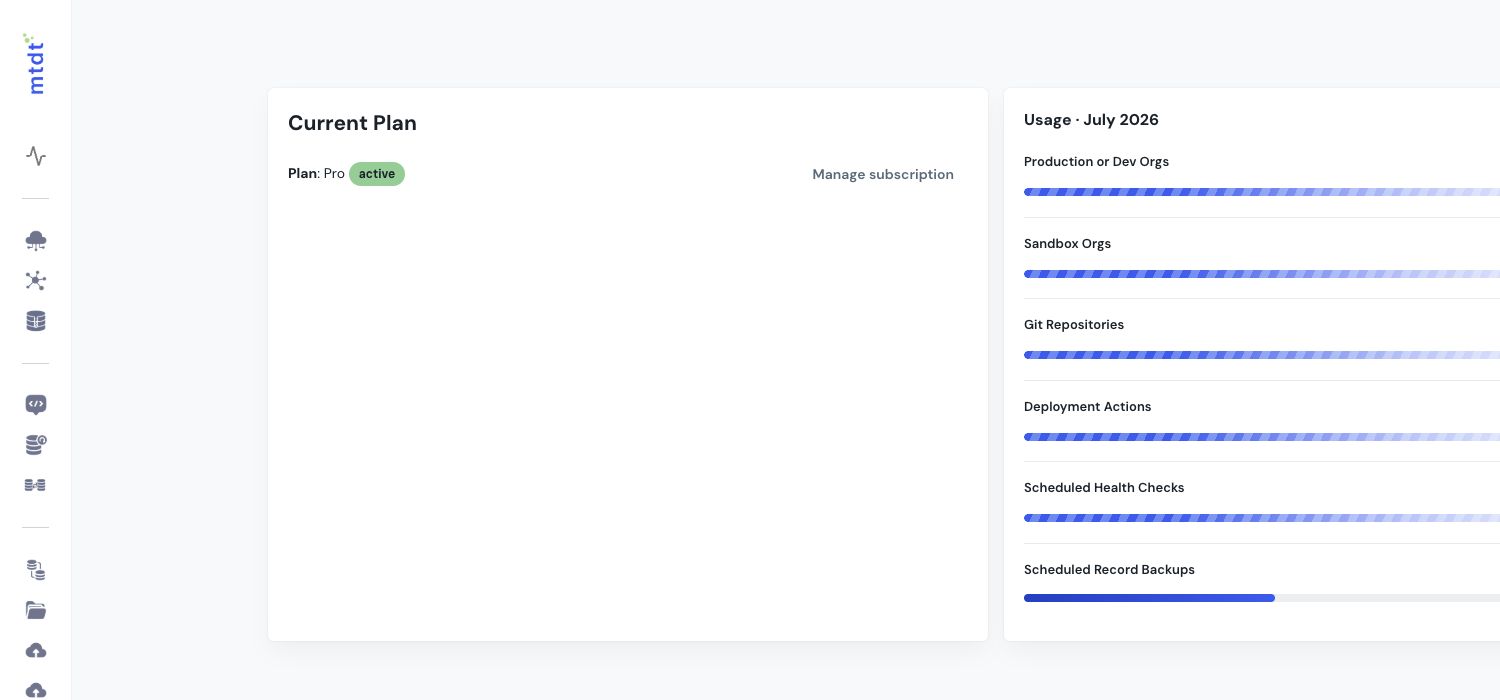
Upgrade to Pro
- Sign in and open your billing / plan settings from your team workspace.
- Choose the Pro plan and confirm.
Your workspace switches to Pro immediately, unlocking unlimited deployments, unlimited orgs and Git connections, CPQ migration, and unlimited static analysis. See Available Plans and Pricing for what each plan includes.
Try Pro for free
mtdt.io periodically offers a 100% discount promo code so you can experience full-featured automation before committing. If you have a code, apply it during upgrade to run Pro at no cost for the trial period.
Move to Team
Team builds on Pro with everything a group needs to collaborate: unlimited object backups and health checks, shared teams and roles, audit logs and reporting, and premium support. Choose the Team plan and set the number of seats for your teammates — Team is priced per seat ($79 / seat / month).
Managing your subscription
From the same billing settings you can adjust the number of seats on Team as your team grows or changes, and review your current plan and usage against its limits.
Good to know
- Free needs no credit card — you only enter billing details when you upgrade.
- Upgrade anytime. Your connected orgs, repositories, deployments, and history carry over unchanged.
- Pro is flat, Team is per seat — Pro is a flat monthly plan ($49 / month); Team is priced per seat ($79 / seat / month), so you pay for the teammates who actually use mtdt.io. See Available Plans and Pricing for the latest numbers.
Questions about the right plan or volume? Reach out via mtdt.io and the team will help you choose.